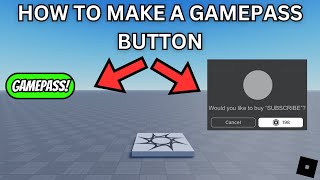
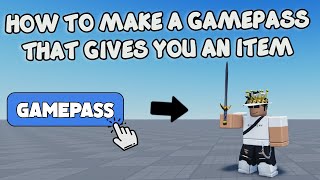
How To Make Gamepass In Roblox With Robux
Hello! Today I will show you how to create a gamepass for your Roblox game and set its price using Robux. This guide walks you through every step, from preparing your game to publishing the pass, so you can start earning revenue from your creations.
What Is a Gamepass?
A gamepass is a one‑time purchase that gives players permanent access to special abilities, items, or areas in a Roblox game. Unlike developer products, which can be bought repeatedly, a gamepass is bought once per user and remains attached to their account.
Prerequisites Before You Begin
To make a gamepass you’ll need the following:
- A Roblox account in good standing.
- At least 100 Robux in your account (the minimum price for a gamepass).
- An existing game published to Roblox.
- Basic familiarity with Roblox Studio.
Make sure you have a stable internet connection and that your game is already uploaded to the platform. If you’re new to Roblox Studio, consider watching an introductory tutorial first.
Step‑by‑Step: Creating a Gamepass
- Open Roblox Studio. Launch the editor and open the place you want to add a gamepass to.
- Navigate to the “Marketplace” tab. In the top menu, click Game → Game Passes. This will open the gamepass management page in your web browser.
- Click “Create New Game Pass”. You’ll be prompted to upload an icon. Choose an image that clearly represents the benefit (e.g., a sword for a weapon pass).
- Enter a name and description. Use keywords that players might search for, such as “Premium Sword” or “VIP Access”. Keep the description concise and highlight the main advantage.
- Set the price in Robux. This is where you decide how much the pass will cost. Remember that Roblox takes a 30% cut, so price accordingly.
- Save the gamepass. After saving, Roblox will generate a unique ID for the pass. Copy this ID; you’ll need it when scripting the purchase logic.
In this tutorial I show you how to link the gamepass ID to a script that checks whether a player owns the pass.
Adding Purchase Logic to Your Game
To make the gamepass functional, insert a script into ServerScriptService that verifies ownership and grants the benefit. Here’s a simple example:
local MarketplaceService = game:GetService("MarketplaceService") local PASS_ID = 123456