How to Take Screenshots on Windows Using NVIDIA GeForce
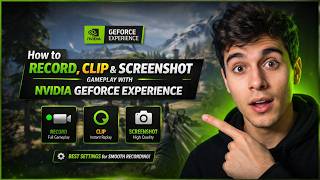
For gamers and content creators, capturing high-quality screenshots is essential for sharing memorable moments or analyzing gameplay. NVIDIA GeForce users on Windows can leverage the built-in GeForce Experience to take screenshots quickly and efficiently. This guide explains the process, from activating the overlay to locating saved files.
Using the NVIDIA GeForce Experience Overlay
The NVIDIA GeForce Experience offers a convenient way to capture screenshots during gameplay. To use this feature, ensure the software is installed and updated. Once open, follow these steps:
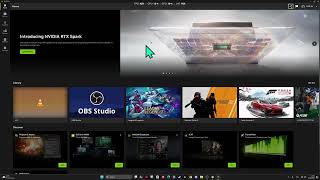
- Launch GeForce Experience: Open the application from the Start menu or desktop shortcut.
- Enable the Overlay: Navigate to the "Settings" menu and confirm that the "In-Game Overlay" is enabled. This allows access to screenshot and recording tools during games.