Welcome to Multiplication With Area Models
Do your fourth‑grade math students need to learn how to tackle multi‑digit multiplication in a way that feels visual and intuitive? Multiplication with area models offers a clear, step‑by‑step strategy that turns abstract numbers into concrete shapes. This method helps students see how each digit contributes to the final product and builds a deeper understanding of place value.
What Is an Area Model?
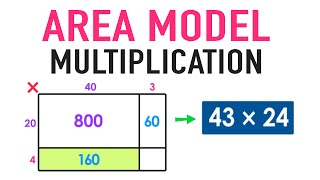
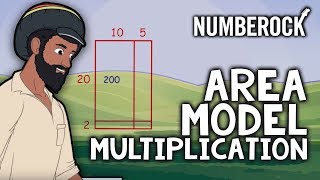
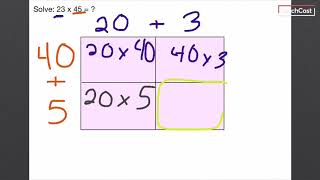
An area model is a diagram that represents a multiplication problem as a rectangle. Each side of the rectangle is broken into segments that correspond to the digits of the numbers being multiplied. By shading and labeling each sub‑rectangle, students can keep track of partial products and easily add them together.
The Basic Idea
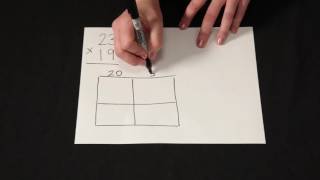
Consider multiplying 23 by 14. Instead of using the traditional algorithm, draw a rectangle 23 units wide and 14 units tall. Split the width into 20 and 3, and the height into 10 and 4. Each corner of the rectangle now represents a partial product: 20×10, 20×4, 3×10, and 3×4. Compute each, then sum them for the final answer.
Step‑by‑Step Guide
- Break Down the Numbers
- Write each number in expanded form (e.g., 23 = 20 + 3).
- Identify the tens and ones places.
- Draw the Rectangles
- Sketch a large rectangle with the first number along the top and the second along the side.
- Divide each side into segments matching the digits.
- Compute Partial Products
- Multiply the segments that meet at each corner.
- Label each sub‑rectangle with its product.
- Add Them Together
- Sum the four partial products to find the final answer.